Deleted Internet Calendar keeps reappearing in the Internet Calendar tab in Microsoft Outlook and you see a Calendar error
If you open Microsoft Office and as it synchronises your mailboxes, you see an error about your Internet Calendar, then do the following steps to rectify the situation:
Firstly close Outlook.
Then type Run into the search box in the Taskbar at the bottom of your screen. You’ll see the word Run at the top of the list of results.
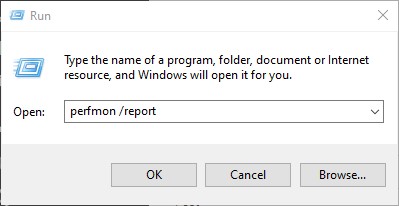
Left click the word “Run” at the top of the results to open the “Run” search box.
Now type or paste the following into the Open field outlook.exe /cleansharing then press Enter. (There is a space before the forward slash).
Finally click the OK button.
Outlook will now open and you won’t see the error message any more.
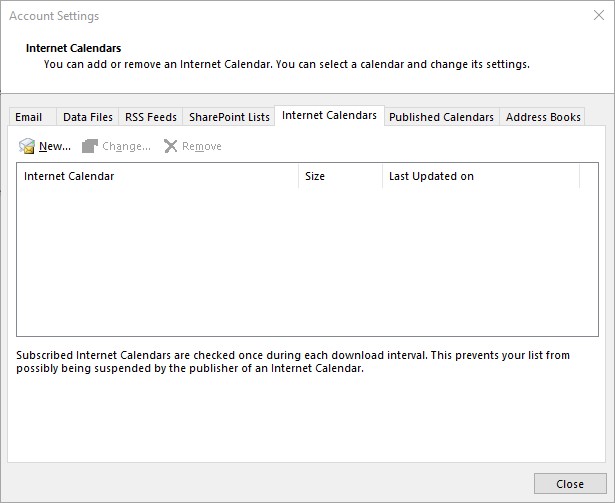
When you look at the “Internet Calendar” tab in your Outlook account settings it will be clear.
This Calendar entry is added when you receive a URL link to an External Calendar that someone has sent you, or that you have subscribed to such as your Google Calendar. This Calendar file may get corrupt because of a meeting entry. You will need to remove the entry in order to resolve an Calendar issue with Microsoft Outlook.